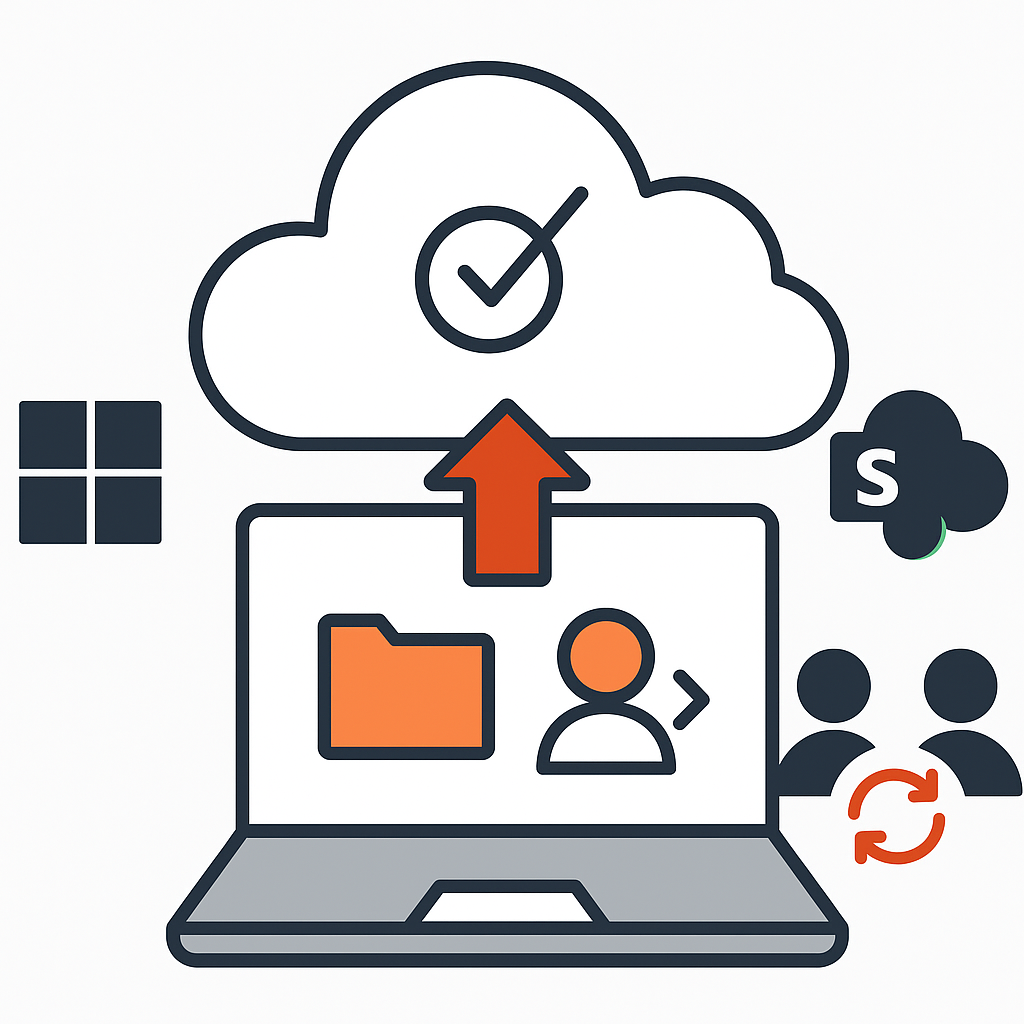
We centralise control of your devices, push updates, enforce security policy and troubleshoot remotely from a single console. Unmanaged and out-of-date devices remain one of the largest exposures a small business carries, and they're the easiest to close.
We deploy and manage endpoint protection, configure device policies, automate patching, and give you visibility into device health and compliance across the whole fleet — remotely, without disrupting the people using them.
Most breaches don't exploit anything exotic. They exploit an unpatched machine nobody got to, or an account that should have been disabled months ago. Consistent endpoint management removes both, and it's the control cyber insurers increasingly expect to see.
We support hybrid and distributed teams in Toronto, Vaughan, Mississauga, Markham, Richmond Hill and Brampton, with a Canadian team and 24/7 coverage for critical systems. When a device needs hands on it rather than a remote session, being local matters.
Our free IT health check reviews your device estate, patch status and policy coverage, and gives you a written report — yours to keep whether or not you work with us.
Not sure where to start? The free IT health check reviews your security, backup, licensing and Microsoft 365 setup and gives you a written report — yours to keep whether or not you work with us.
Every laptop, desktop, tablet and phone your team uses for work — Windows and macOS alike, whether company-owned or used to reach company data.
Yes. Policies and updates are pushed remotely, so a laptop at a kitchen table is managed the same way as one in the office. That is the point of central management.
It can be locked or wiped remotely, and its access to company systems revoked. Worth knowing before it happens rather than after.
Both. Provisioning on day one, and — the part that gets forgotten — clean removal of access when someone leaves.
Most breaches do not exploit anything exotic. They exploit an unpatched machine nobody got to, or an account that should have been disabled months ago. Consistent endpoint management closes both, and it is a control cyber insurers increasingly expect to see.
Yes, endpoint management is part of our managed IT service. It is also available on its own if you have internal IT and only need this layer covered.